 Bestseller
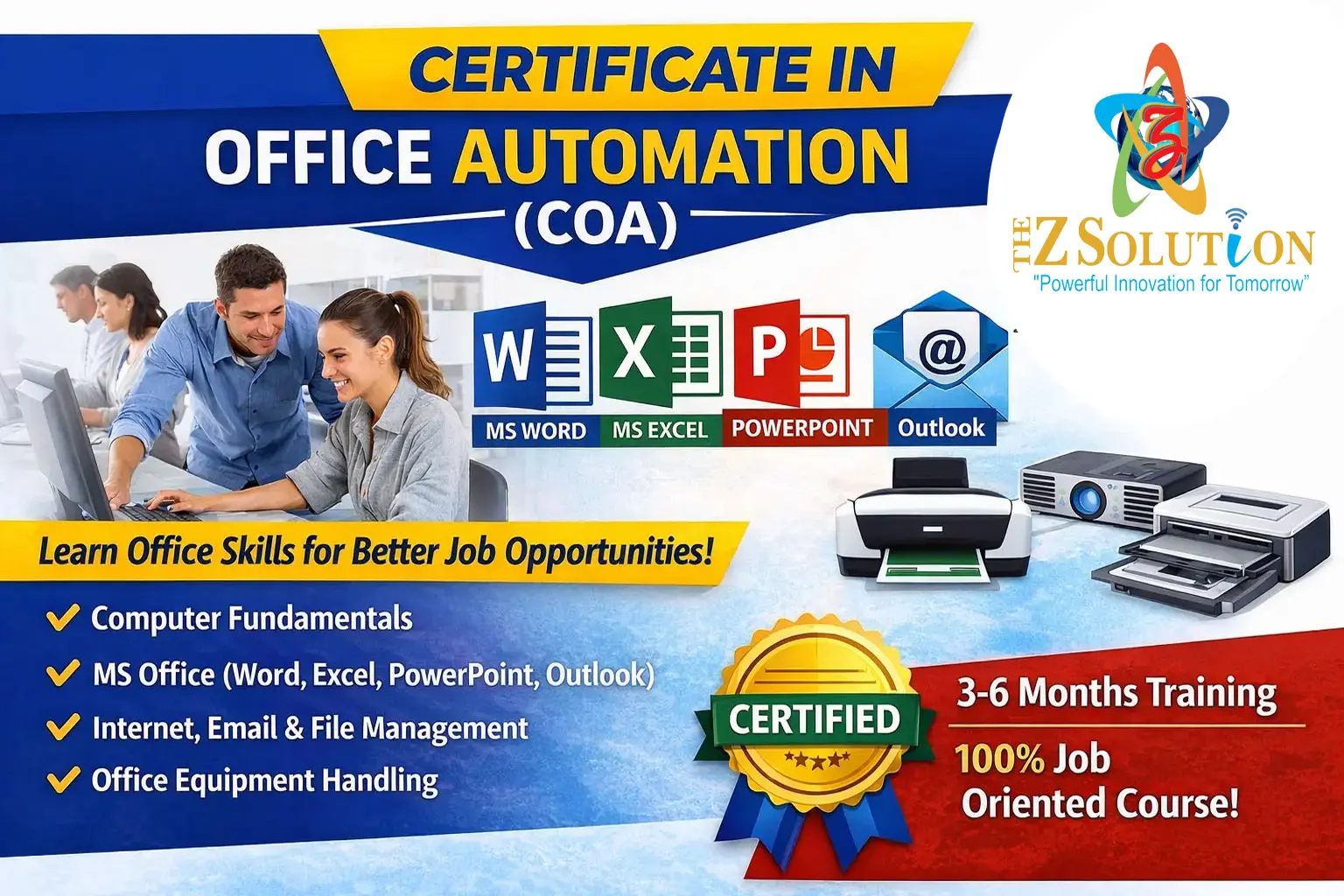
Basic to Advance Computers
Here is a comprehensive computer training syllabus designed to take a student from absolute basics to advanced-level skills.
Module 1: Computer Fundamentals (Beginner)
Focus: Getting comfortable with hardware, operating systems, and basic navigation.
Ò Understanding Hardware: Inputs and outputs (keyboard, mouse, monitor, printers), CPU, RAM, storage (SSD vs. HDD), and external drives.
Ò Operating System Basics (Windows/macOS):
o Navigating the desktop, taskbar, and system settings.
o Managing files and folders (creating, copying, moving, renaming, and deleting).
o Using keyboard shortcuts (e.g., Ctrl+C, Ctrl+V, Ctrl+Z, Alt+Tab).
Ò Internet & Email Basics:
o Using web browsers (Chrome, Edge, Safari) safely.
o Using search engines effectively.
o Setting up and managing email (sending attachments, organizing folders, identifying spam/phishing).
Module 2: Office Productivity Tools (Intermediate)
Focus: Mastering the essential software used in professional work environments.
Ò Word Processing (e.g., Microsoft Word, Google Docs):
ü Formatting text, paragraphs, and pages.
ü Inserting tables, images, and headers/footers.
ü Using templates, mail merge, and track changes for collaboration.
Ò Spreadsheets (e.g., Microsoft Excel, Google Sheets):
ü Data entry, basic formatting, and sorting/filtering.
ü Essential formulas and functions (SUM, AVERAGE, COUNT, IF).
ü Creating charts and graphs to visualize data.
ü Introduction to advanced tools: VLOOKUP/XLOOKUP and Pivot Tables.
Ò Presentations (e.g., PowerPoint, Google Slides):
ü Designing clean, professional slides.
ü Adding transitions, simple animations, and speaker notes.
Module 3: Digital Security, Collaboration & Cloud (Intermediate)
Focus: Working online safely and collaborating with teams.
Ò Cloud Computing:
o Using cloud storage (Google Drive, OneDrive, Dropbox).
o Sharing files and setting permissions (viewer vs. editor).
Ò Cybersecurity Basics:
o Creating strong passwords and using password managers.
o Enabling Two-Factor Authentication (2FA).
o Safe browsing habits and securing personal Wi-Fi networks.
Ò Collaboration Tools: Using platforms like Slack, Microsoft Teams, and Zoom.
Module 4: Advanced Skills & Specialization (Advanced)
Focus: Choosing a path toward highly valued, technical career skills.
Ø Option A: IT Support & Networking
· Computer assembly, troubleshooting common hardware/software issues.
· Basic networking concepts (IP addresses, routers, DNS, DHCP).
· Introduction to command-line interfaces (Command Prompt or Terminal).
Ø Option B: Data Analysis & Advanced Excel
· Advanced Excel (macros, data validation, power query).
· Introduction to SQL (database querying).
· Data visualization tools (Power BI).
Ø Option C: Web Development & Programming
o Frontend Basics: HTML5, CSS3, and JavaScript to build websites.
o Programming Fundamentals: Python (highly recommended for beginners) or Java.
o Version Control: Using Git and GitHub to manage code.
Ø Option C: Advanced Excel (The Career Boosters)
Copyright © 2026 DITRP INDIA. All Rights Reserved