
Best Seller Icon Bestseller

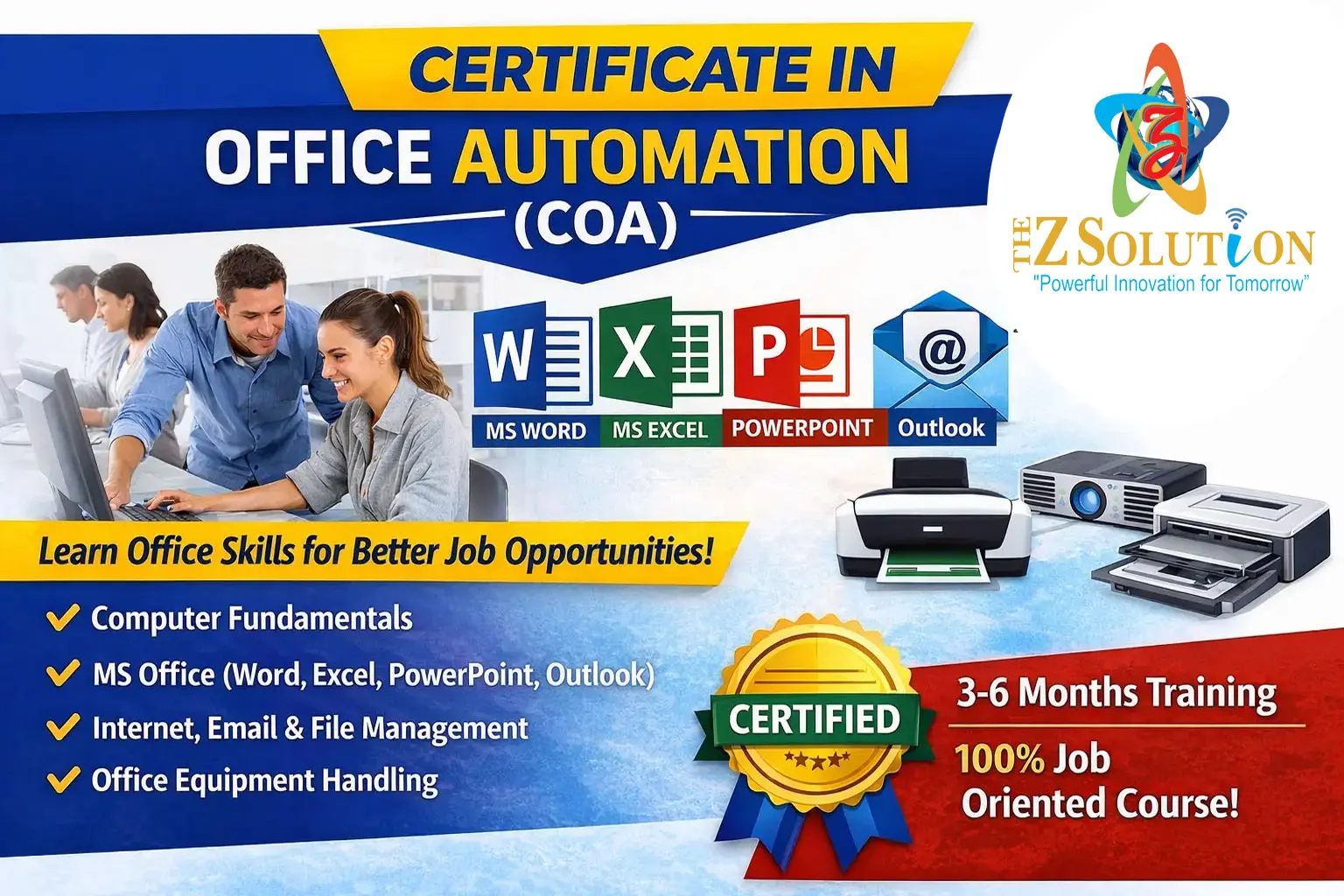
Certificate In Computer Operations & Office Automation(S-CCO&OA-1357)

  • Last updated Sep, 2026
  • Certified Course
₹3,500 ₹5,500

Course Includes

  • Duration6 Months
  • Enrolled0
  • Lectures200
  • Videos0
  • Notes0
  • CertificateYes

What you'll learn

Module 1: Computer Fundamentals & Operating Systems

Module 2: Office Productivity Suites (MS Office / Google Workspace)

Module 3: Computer Typing & Data Entry

Module 4: Internet, Email & Digital Communication

Module 5: Office Hardware & Basic Cybersecurity


Show More

Course Syllabus

A Certificate in Computer Workstation & Digital Operations (often offered as Certificate in Computer Operations, PC Operations, or Office Automation & Digital Operations) is a practical, job-ready program. It trains students and entry-level professionals to manage hardware workstations, execute office productivity tasks, perform digital data entry, and maintain daily IT operations.


1. Quick Course Summary

Parameter

Standard Details

Duration

1 Month to 6 Months (varies by institute or platform).

Eligibility

Minimum 10th or 12th pass (no prior coding background required).

Mode

Available Offline (vocational centers/labs) & Online (self-paced or live).

Target Audience

Job seekers, front-desk staff, data entry operators, and administrative assistants.

2. Core Curriculum & Modules

The program typically spans 5 primary skill tracks:


[ Workstation & OS ] ──> [ Office Productivity ] ──> [ Digital Ops & Cloud ] ──> [ Security & Maintenance ]

Module 1: Workstation Setup & OS Navigation

  • Hardware & Peripherals: Connecting monitors, external storage, input/output devices, docking stations, and printers.


  • Operating Systems: Advanced Windows/macOS navigation, directory management, control panel configurations, and file permissions.


  • Workstation Ergonomics: Healthy desk posture, display heights, and workspace physical setup.


Module 2: Digital Office Productivity (MS Office / Google Workspace)

  • Document Processing: Creating formal reports, letterheads, formatting, and Mail Merge in MS Word / Google Docs.


  • Data & Spreadsheets: Data entry, lookup functions (VLOOKUP/XLOOKUP), formatting, formulas, and PivotTables in MS Excel / Google Sheets.


  • Presentations: Slide masters, embedding dynamic data charts, and media integration in PowerPoint.


Module 3: Digital Operations & Online Collaboration

  • Communication: Professional email etiquette, filters, rules, and inbox management (Outlook / Gmail).


  • Cloud Operations: Cloud storage management (Google Drive, OneDrive, Dropbox), file-sharing permissions, and digital calendars.


  • Virtual Collaboration: Scheduling and managing video conferences via Microsoft Teams, Zoom, and Google Meet.


Module 4: System Maintenance & Troubleshooting

  • Basic Hardware/Software Fixes: Resolving peripheral issues, driver updates, network disconnects, and frozen application states.


  • Data Backup Protocols: Automated cloud backups, local drive disk management, and data restoration practices.


Module 5: Digital Security & Compliance

  • Cyber Hygiene: Identifying phishing emails, password management strategies, and secure browser settings.


  • Data Protection: Basic file encryption, secure Wi-Fi practices, and system antivirus sweeps.


3. Career Scope & Job Roles

Graduates of this certification are qualified for entry-level operational and administrative roles:


  • Computer / Workstation Operator: Managing daily computer tasks, data entry, and terminal monitoring.


  • Office & Operations Executive: Handling documentation, email correspondence, and schedule coordination.


  • Data Entry Specialist: Inputting, updating, and verifying records in ERP or CRM systems.


  • Desktop Support / Helpdesk Assistant: Assisting internal staff with basic computer setup and software issues.


  • Front Desk / Administrative Assistant: Managing client records, virtual meetings, and digital paperwork.


Eligibility

Who can apply for this course

  • Parameter
  • Standard Details
  • Duration

1 to 6 Months (varies by institute or platform).

Eligibility

Minimum 10th or 12th pass (no prior coding background required).

Mode

Available Offline (vocational centers/labs) & Online (self-paced or live).

Target Audience

Job seekers, front-desk staff, data entry operators, and administrative assistants.

Course Fees

Course Fees
:
₹5500/-
Discounted Fees
:
₹ 3500/-
Course Duration
:
6 Months

Review

0.0
Course Rating (0 reviews)
0%
0%
0%
0%
0%


Call
Text Message
Review
Email
CHAT